bankofmelbourne.com.au Register for Wearables Banking Australia : Bank of Melbourne
Name of the Organization : Bank of Melbourne
Type of Facility : Register for Wearables Banking
State : Victoria
Country : Australia
| Want to comment on this post? Go to bottom of this page. |
|---|
Website : https://www.bankofmelbourne.com.au/online-services/wearables
Register for Wearables Banking
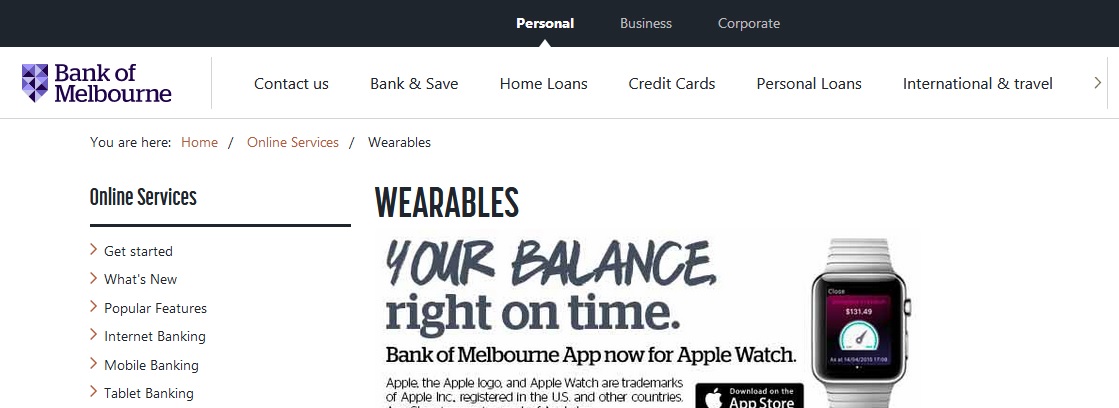
** Your Balance Right on Time
** Bank of Melbourne App now for Apple watch
Related : Bank of Melbourne Register for Tablet Banking Australia : www.statusin.org/23715.html
** Access your account balances from your wrist. Available on Apple Watch, Sony SmartWatch 2 and Samsung Gear 2, you can now view your account balances and the nearest ATM / branch.
Setting up your wearables is easy :
** Pull up the ‘gripper’on the homescreen to the Bank of Melbourne homescreen to view the ribbon of icons.
** Choose the “Smart Watch” icon to activate Bank of Melbourne mobile banking on your Smart Watch.
Apple Watch :
** Pair your Apple Watch with the Bank of Melbourne Mobile banking app and you will automatically see Quick Balance on your Apple Watch.
Samsung Gear 2 :
** If your Samsung Gear 2 is setup with the Gear Manager app, a dialogue box will appear.
** Tap “Yes” to take you to the MoneyMeter Samsung Gear 2 Setup screen and follow the instructions.
Sony SmartWatch 2 :
** If your SmartWatch 2 is setup with the Smart Connect app, a dialogue box will appear.
** Tap “Yes” to take you to the MoneyMeter SmartWatch Setup screen and follow the instructions.
Download our Apps :
Getting started :
** Download the Mobile Banking app
** Set up Quick Balance on your phone
** To pair the mobile banking app with your smartwatch, follow the steps above
** Please read the FAQs to ensure you have the latest app that would work on the smartwatch
Bank of Melbourne Banking :
** Bank of Melbourne Mobile Banking has been designed to give customers full banking functionality in an easy to use, intuitive and secure environment.
Quick Balance :
** View the available balance of up to 3 eligible accounts without logging in
** View your recent transactions without logging in.
Fast login :
** Use your Security Number to login
Notifications and alerts :
** Credit Card Reminder (new) – get a reminder when your credit card bill is due.
** Choose from 7 types of alerts: Low Balance, Withdrawal, Deposit, Dishonour, High Balance, Daily Balance and Credit Card Reminder.
** Receive as a notification, SMS or email. Tap Services to set up.
Cardless Cash :
** Withdraw cash without your debit or credit card from any Bank of Melbourne, BankSA or St.George ATM within Australia (daily and weekly limits apply).
Call us with Connect :
** A faster way to call. No need to answer security questions as you’re already logged in~.
Payments & transfers :
** Make transfers and payments (including BPAY)
** Send money overseas to existing payees
** Quick Pay – save your favourite payments so you can pay them faster next time
** Schedule future and recurring payments.
Tap the Services menu to :
** Update your contact details
** Set up notifications, SMS and email alerts
** Dispute a credit card transaction
** Report your card lost or stolen
** Change your daily ATM/EFTPOS cash withdrawal limit for most credit and debit cards (daily limits apply)
** Tell us when you are going overseas
** Change your Security Number or internet password
** Activate your new credit or debit card
** Temporarily block transactions your card for up to 14 days*
** View interest earned for the past 2 years
** Switch to eStatements.
ATM & Branch Locator :
** Locate your nearest Bank of Melbourne, BankSA or St.George ATM or branch in Australia
** Find a Global ATM Alliance ATM when overseas.
Need Help :
** If you are having issues with our app, please delete and re-install it.
** If issues persist please call us on 1300 605 266.
** Facebook – facebook.com/bankofmelbourne
** Twitter – twitter.com/bankofmelb
Things you should know:
** ~Standard call or data charges apply.
** Card Block will temporarily stop new transactions on your card for up to 14 days or until reactivated.
** The card will reactivate after 14 days if you do not cancel the card.
** Fingerprint login and other functions may not work on jailbroken devices.
** Information is current at time of download and subject to change.
** We collect information on how you use this app for analysis of aggregate user behaviour.
** You should read the Product Disclosure Statement or terms and conditions for the applicable product or service (including Mobile Banking) before making a decision and consider whether the product or service is appropriate for you.
** Fees and charges apply on certain products and services.** Bank of Melbourne – A Division of Westpac Banking Corporation ABN 33 007 457 141 AFSL 233714.